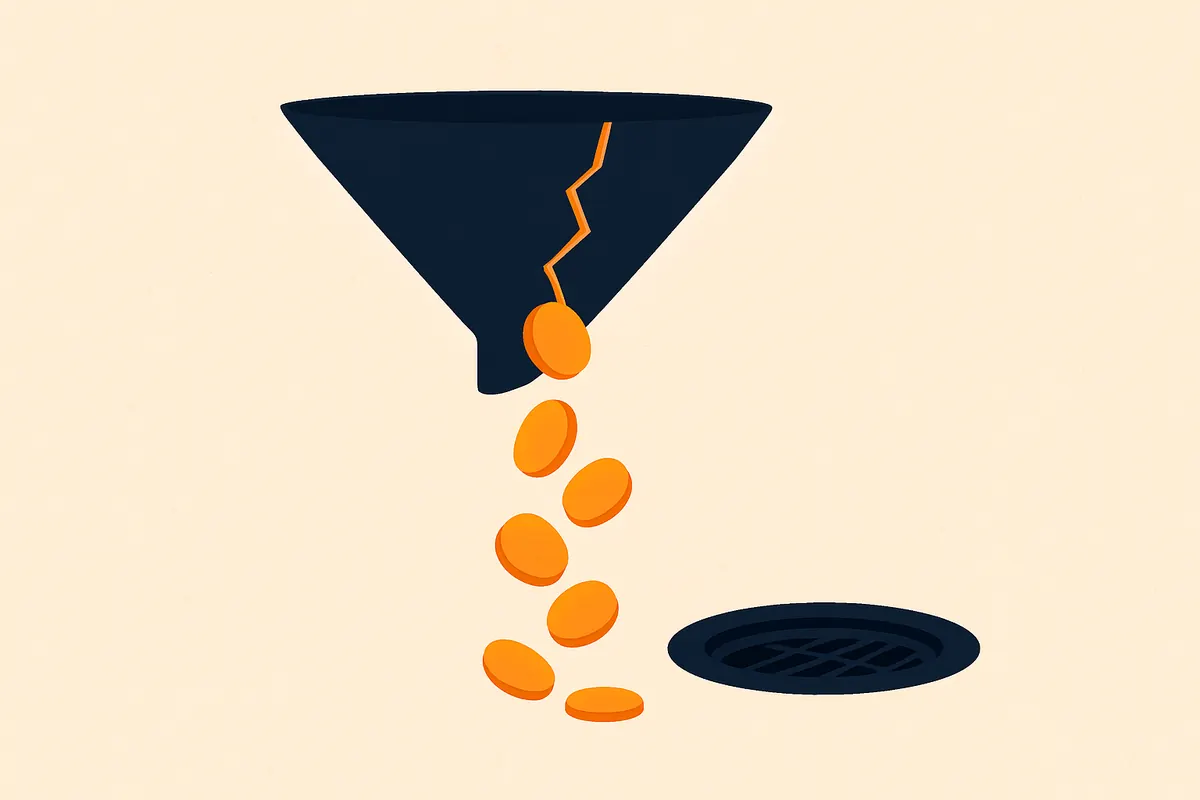
How to cut wasted Sponsored Products spend
Direct answer: Wasted Sponsored Products spend is search terms that took budget without a sale (or with a terrible conversion) and are still sitting in auto or broad. Harvest converters into exact. Negate the rest. A practical rule on live accounts: 10+ clicks and 0 orders → negative, unless the listing is brand new and still in learning.
The weekly harvest loop
- Download the Search Term report. Sort by spend, then by orders.
- Promote queries with orders into an exact campaign of their own.
- Negate queries with spend and no orders, using the 10-click / 0-order rule as the default — tighten if CPCs are high.
- Keep auto and broad on a discovery budget. They exist to find queries, not to scale them.
- Write the harvest and the negatives in the weekly change log so you can see the work.
What this is not
It is not a quarterly “cleanup.” It is not a keyword list you buy once. Mixing converters and junk in one campaign is how ACOS creeps while everyone blames the category.
If you want the number: wasted spend is usually visible in the first two weeks of a rebuild because you stop buying junk. Rank takes a full harvest cycle.
FAQ
Is 10 clicks / 0 orders a hard Amazon rule?
No. It is an operator rule. Tighten it when CPCs are high. Loosen only on brand-new listings still in learning.
How fast does waste drop?
Usually in the first two weeks of a rebuild, because you stop buying junk. Rank takes longer.
← All playbooks · Calculators · Stack · Glossary · Events calendar →
コメント
仕事用メール確認。公開前にデスク審査。Seller Centralなし。パスワードなし。金額はSeller Centralで確認。コメントは料金表ではありません。
まだ公開コメントはありません。メール確認とデスク審査のあと、最初になりましょう。